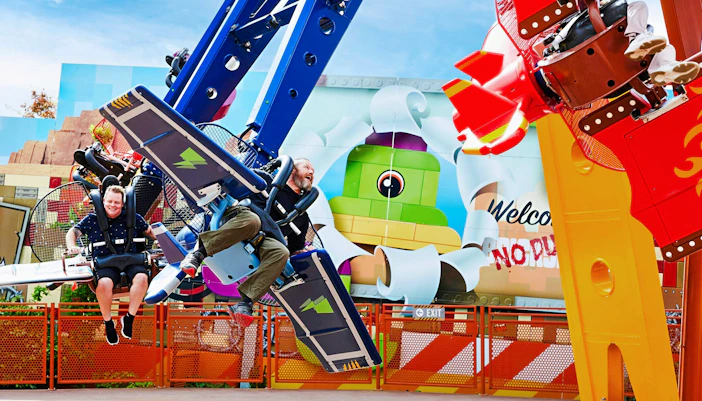
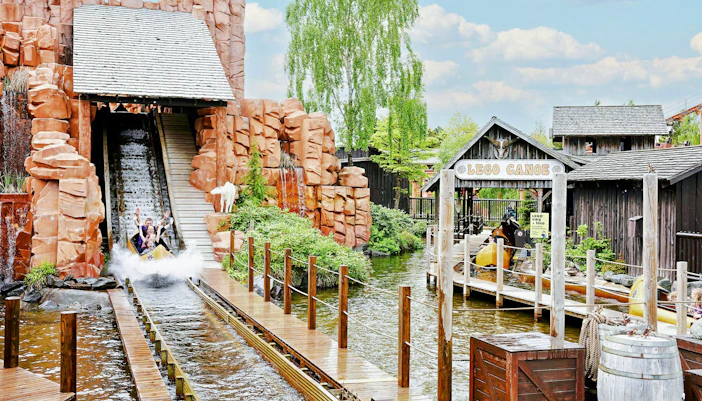
Train with the masters. Meet Kai or Master Wu in NINJAGO World, show off your best ninja move and capture a photo together. Meet N' Greets are designed for the whole family, with showtimes listed in the app.
LEGOLAND Billund Photos | Rides, LEGO Worlds & More
From colourful LEGO worlds and miniature cities to family rides, character encounters and hands-on play, LEGOLAND Billund is built for exploring. Browse photos of the park's themed areas, attractions, LEGO creations and the little details that make each visit different.
See LEGOLAND Billund through photos
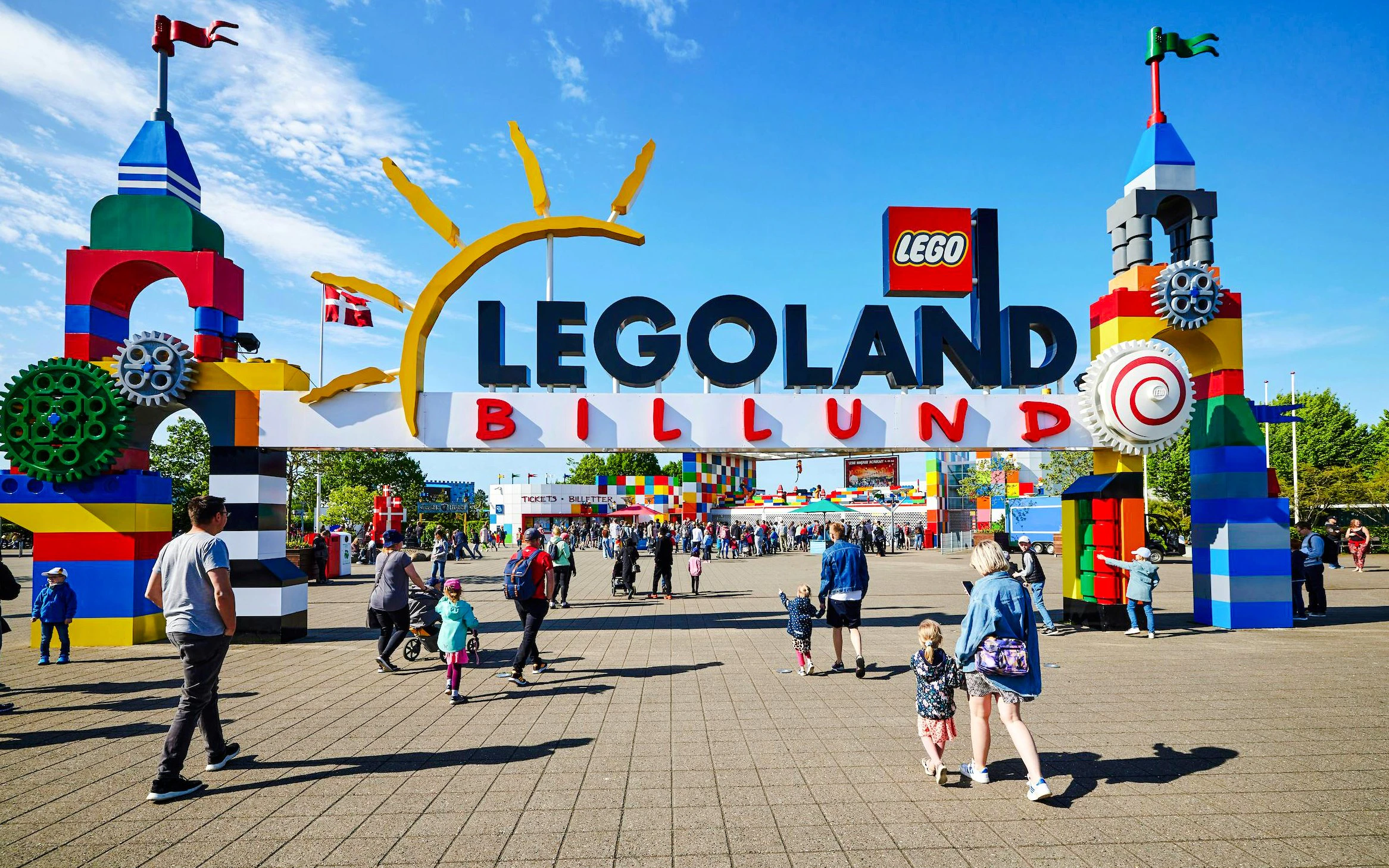
Welcome to LEGOLAND
Start your visit beneath the iconic LEGO brick entrance.
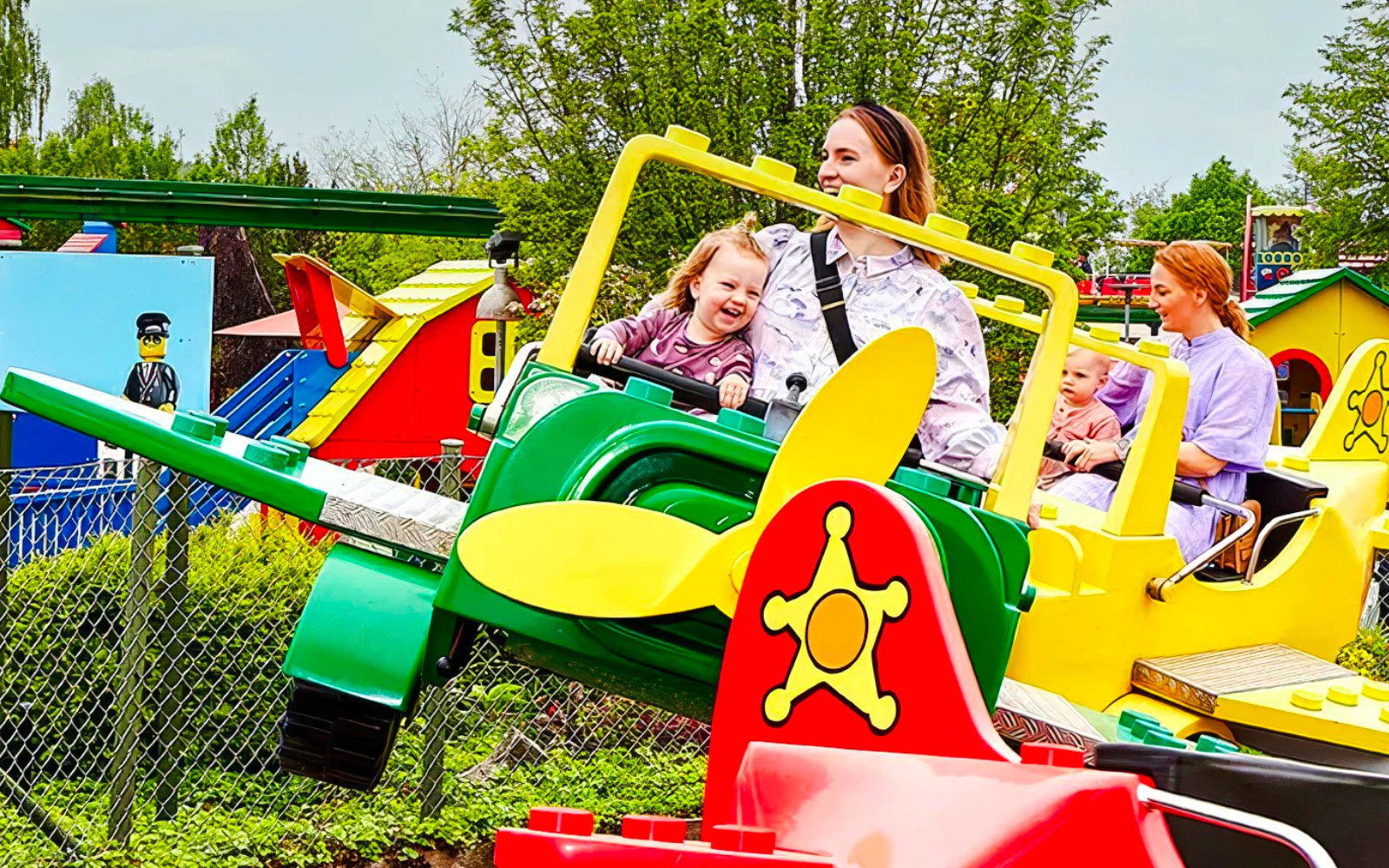
Explore all 12 LEGO worlds
A different LEGO world around every corner
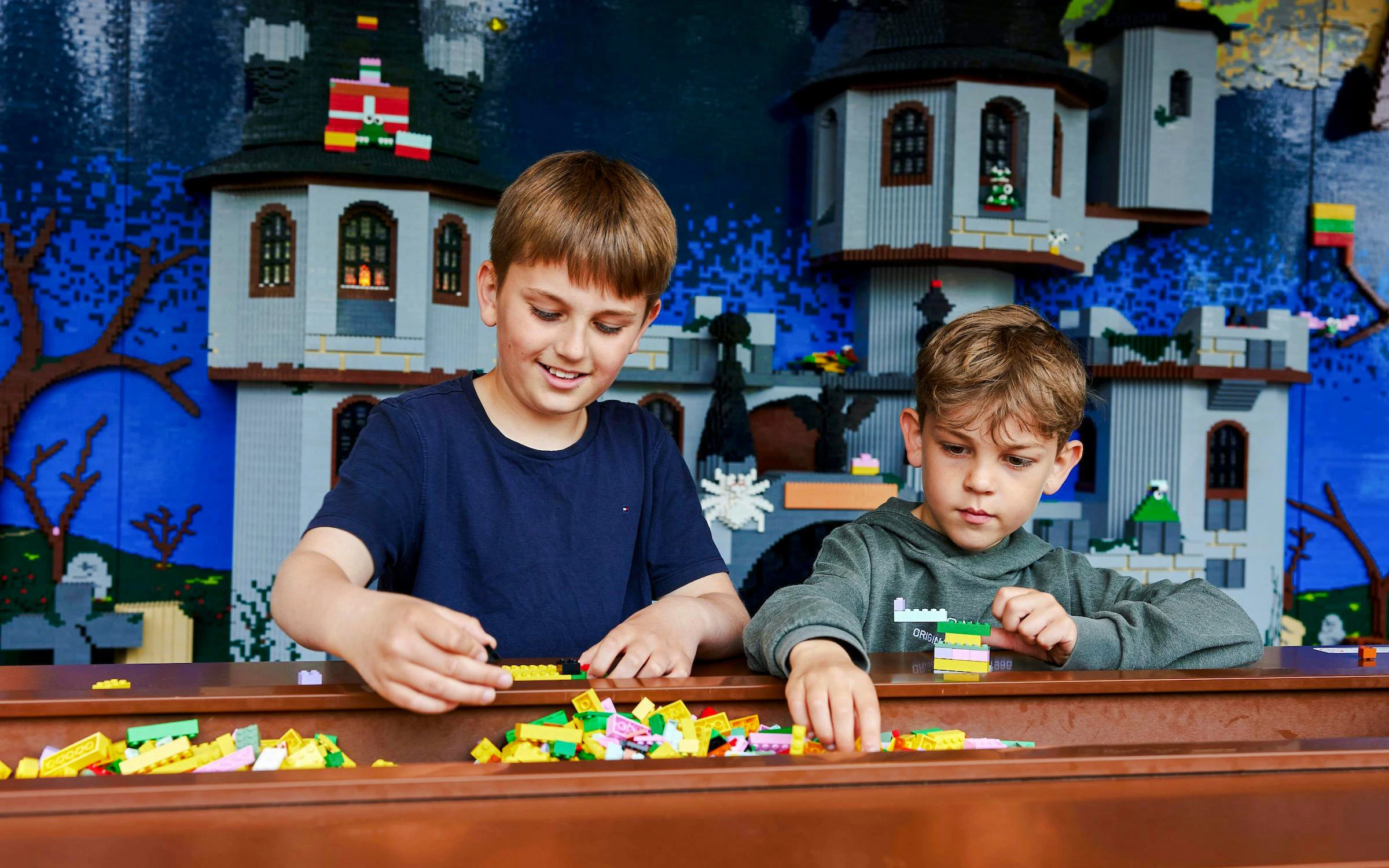
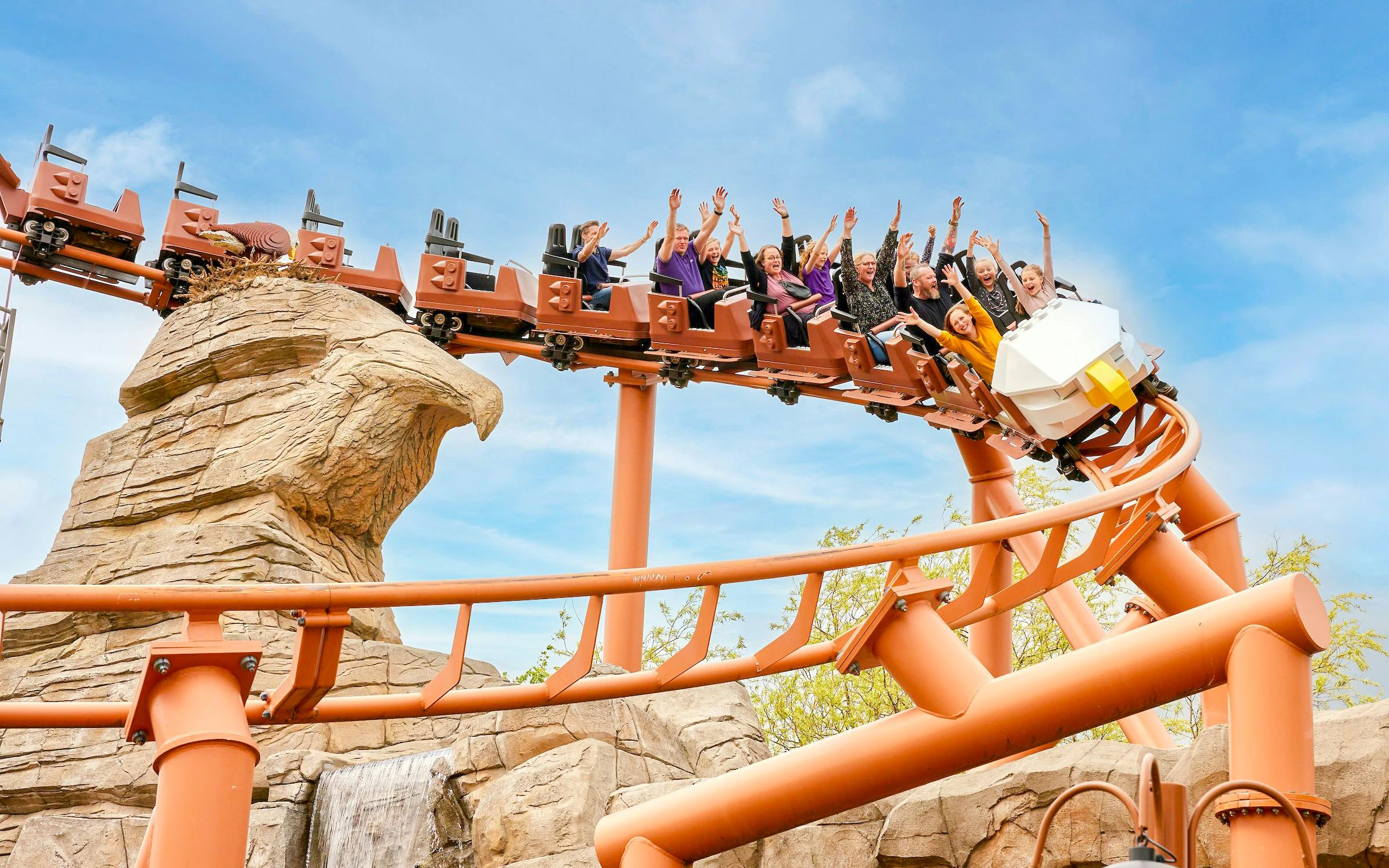
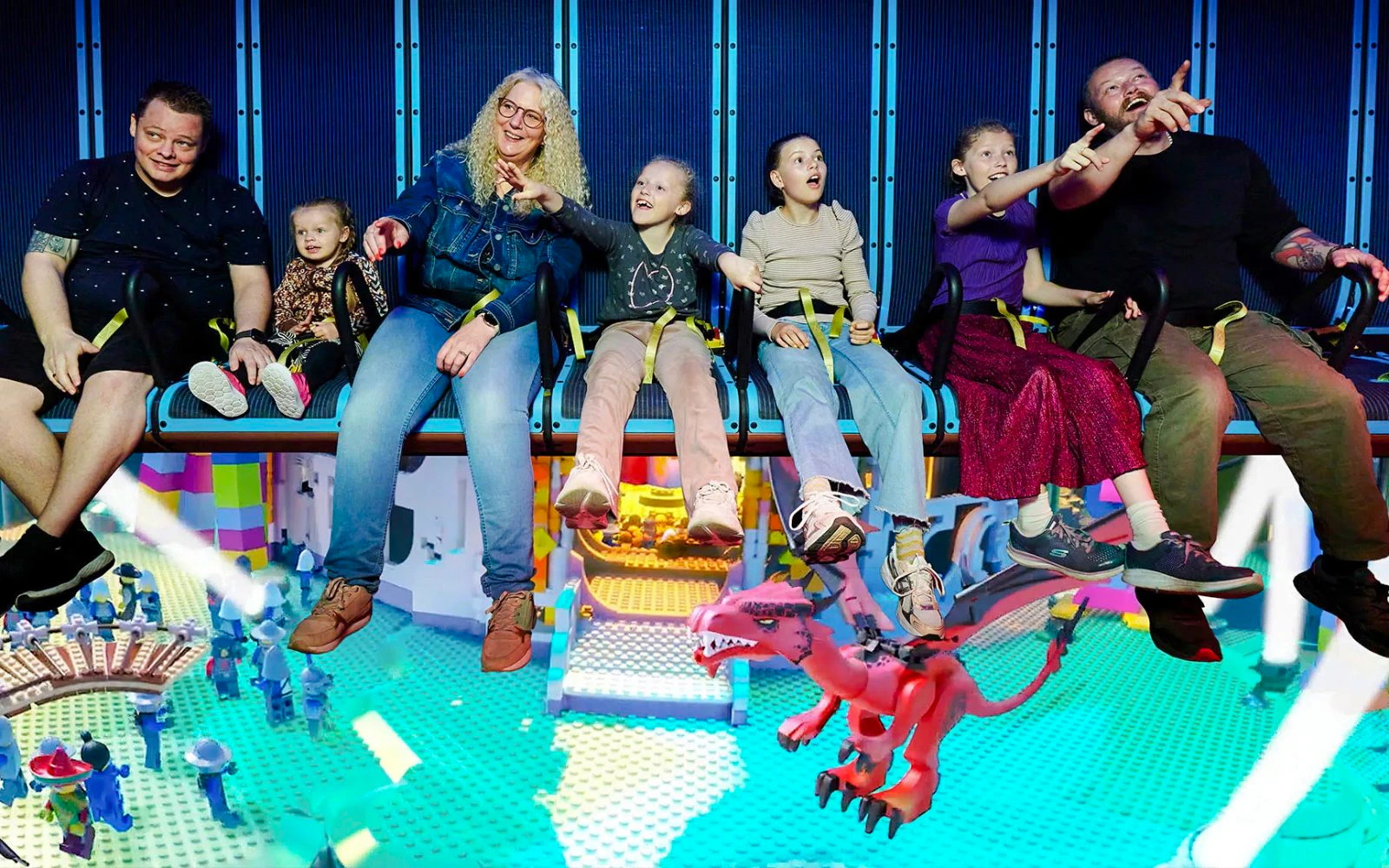
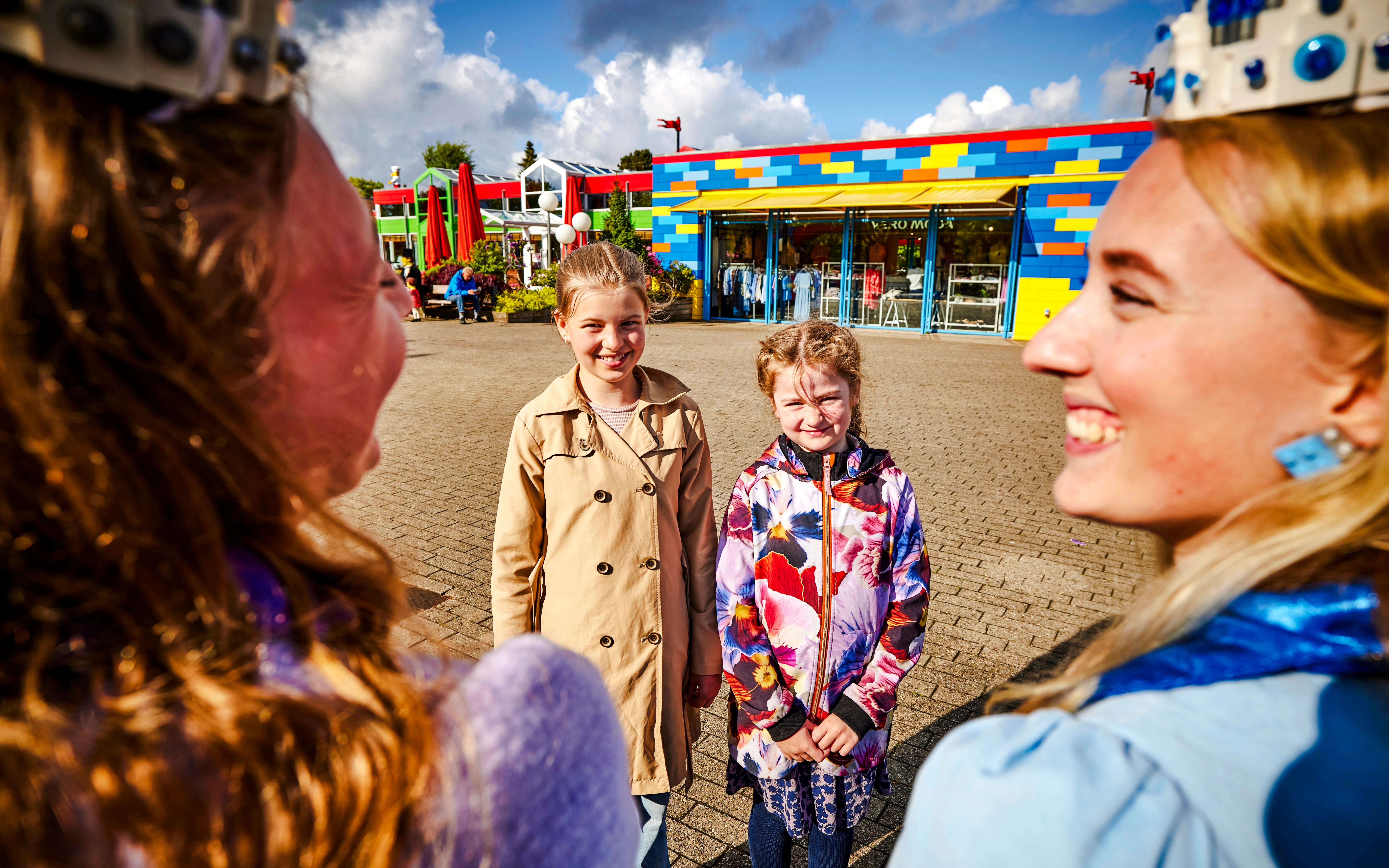
LEGOLAND Billund is divided into 12 themed areas, each with its own visual identity, attractions and atmosphere. From Wild West streets to ninja training grounds and colourful play areas, explore them all through photos.
Meet the LEGO characters
Meet the characters behind the worlds. From NINJAGO heroes to Peppa Pig and seasonal favourites, character encounters add a personal touch to the LEGO worlds. Pose for photos, join in a themed moment or simply meet some familiar faces around the park. Showtimes for scheduled encounters are available in the LEGOLAND app.
Meet the NINJAGO heroes
Step into Peppa Pig's world
Meet Peppa & George. Head to the LEGO DUPLO PEPPA PIG Playground to meet Peppa and George on their puppet theatre stage, then explore their colourful play world together.
Catch seasonal characters
Meet a seasonal favourite. Special characters appear during seasonal events, from Pumpkin Olli and Wolfguy at Halloween to Santa during Christmas. Check the app for current appearances and timings.
Most photogenic spots at LEGOLAND Billund
1/7
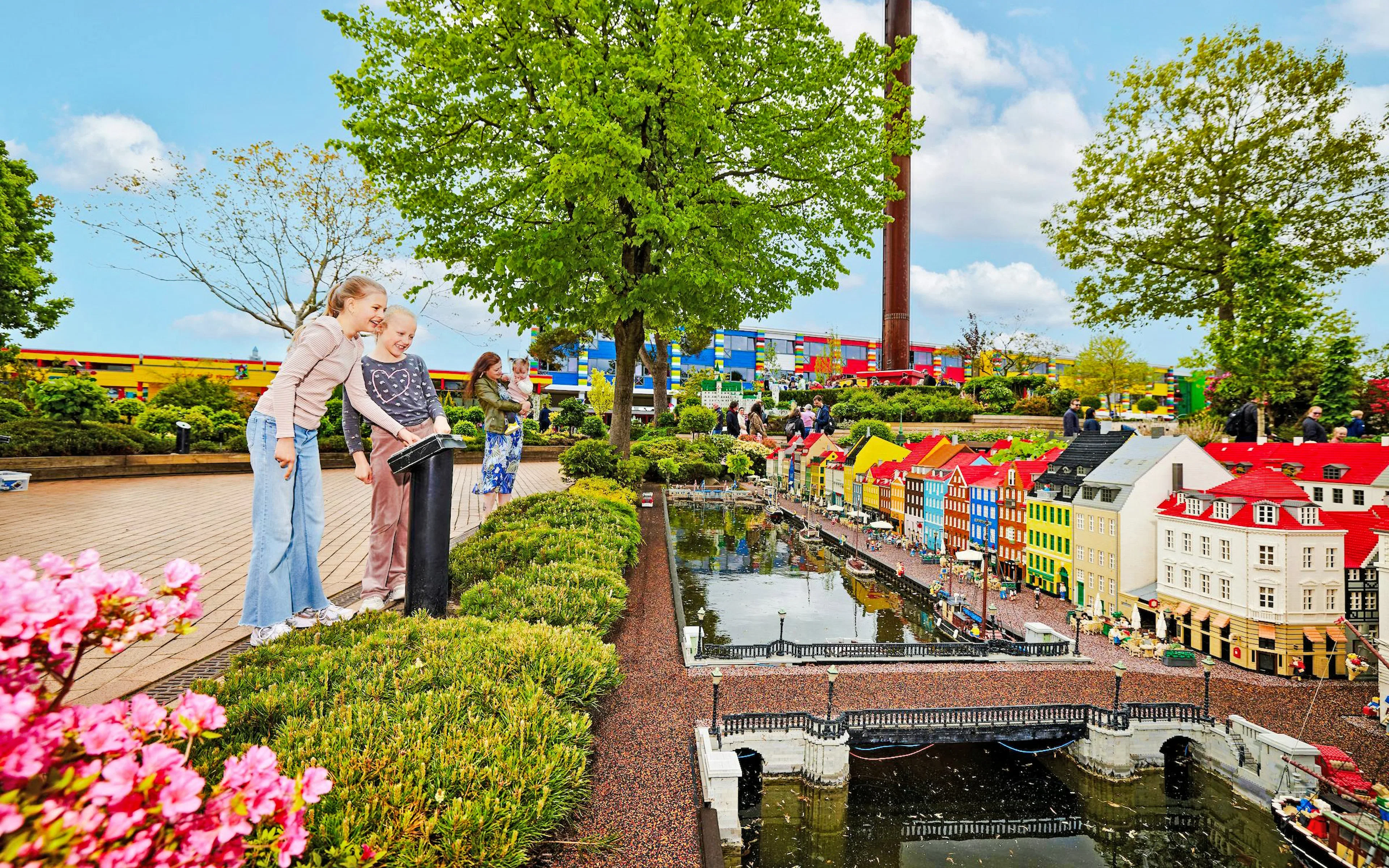
Miniland
Miniland is the park’s visual centrepiece, with more than 20 million LEGO bricks forming miniature cities, famous buildings and landmarks. In 2026, Copenhagen Harbor adds new scenes including Reffen Street Food, Circle Bridge and the Royal Yacht Dannebrog.
- Best for: LEGO details, cityscapes and close-ups
- Photo ideas: Wide shots showing an entire miniature city, close-ups of tiny people, vehicles and buildings, the Royal Yacht Dannebrog in Copenhagen Harbor, architectural details and moving elements
- Explore: LEGOLAND Miniland
Giant LEGO builds
Look for the park's oversized LEGO figures and structures, then place people beside them to emphasise their scale. The new Minifigure Speedway entrance, for example, features a giant Minifigure statue.
- Best for: Scale and memorable family photos
- Photo ideas: Kids posing beside giant figures, full-height LEGO sculptures, colorful entrance structures, unusual LEGO creations
NINJAGO World
NINJAGO World combines colourful themed scenery with character encounters. Guests can meet Kai and Master Wu and take photos with them; showtimes are available in the LEGOLAND app.
- Best for: Character photos and themed backgrounds
- Photo ideas: Character Meet N' Greets, NINJAGO-themed backdrops, kids posing like ninja warriors, themed LEGO details
- Explore: LEGOLAND Billund NINJAGO World
Themed lands
Each themed land brings a different backdrop, from pirate ships and medieval castles to jungle settings and colorful LEGO worlds. Use the scenery itself to make your photos feel different from one area to the next.
- Best for: Colorful family and travel photos
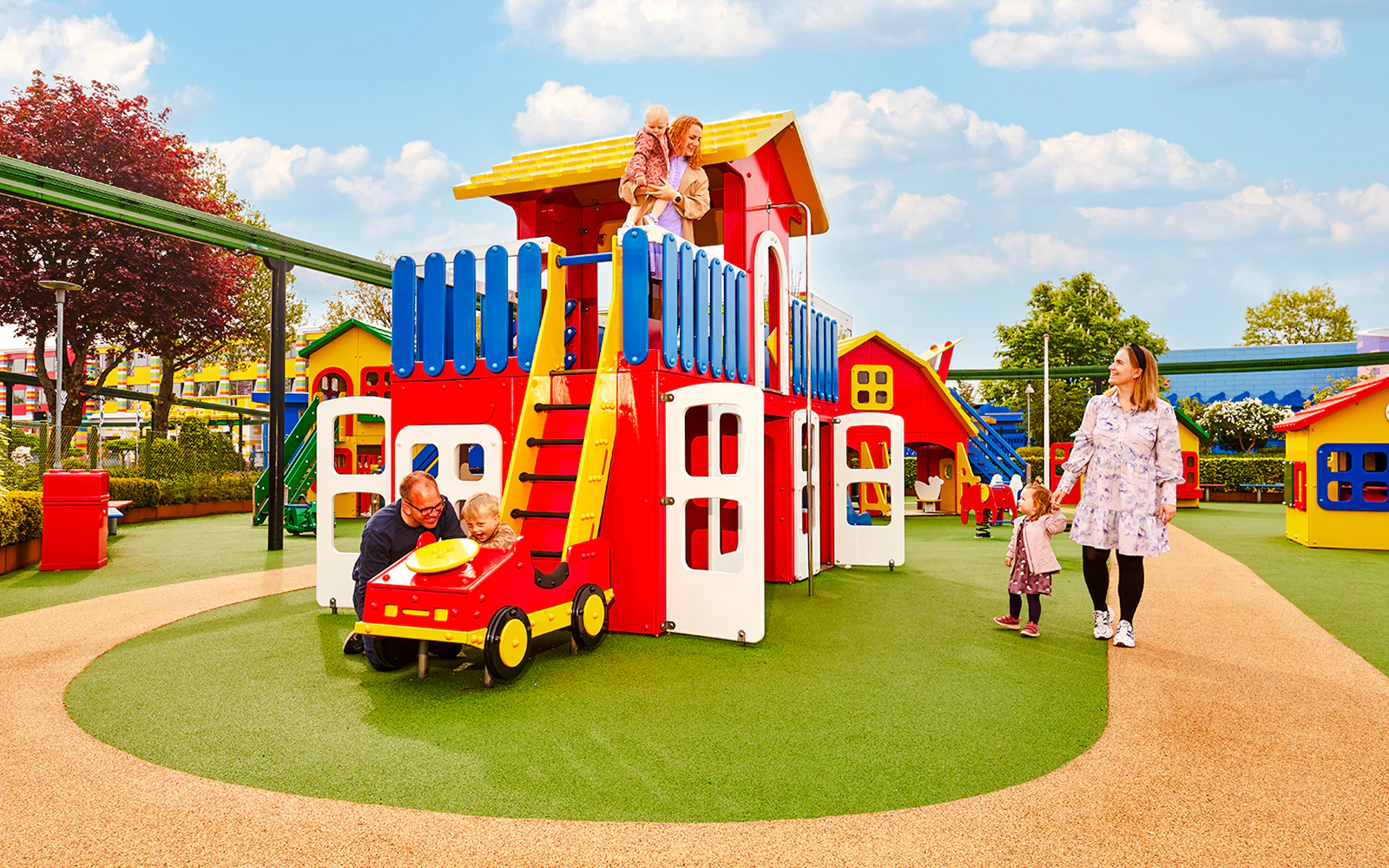
- Photo ideas: Pirate Land's giant ship, knights' Kingdom's castle setting, adventure Land's jungle theming, THE LEGO® MOVIE™ World, DUPLO® Land's colorful play areas
- Explore: Pirate Land, Polar Land, Adventure Land, Duplo Land
Rides in action
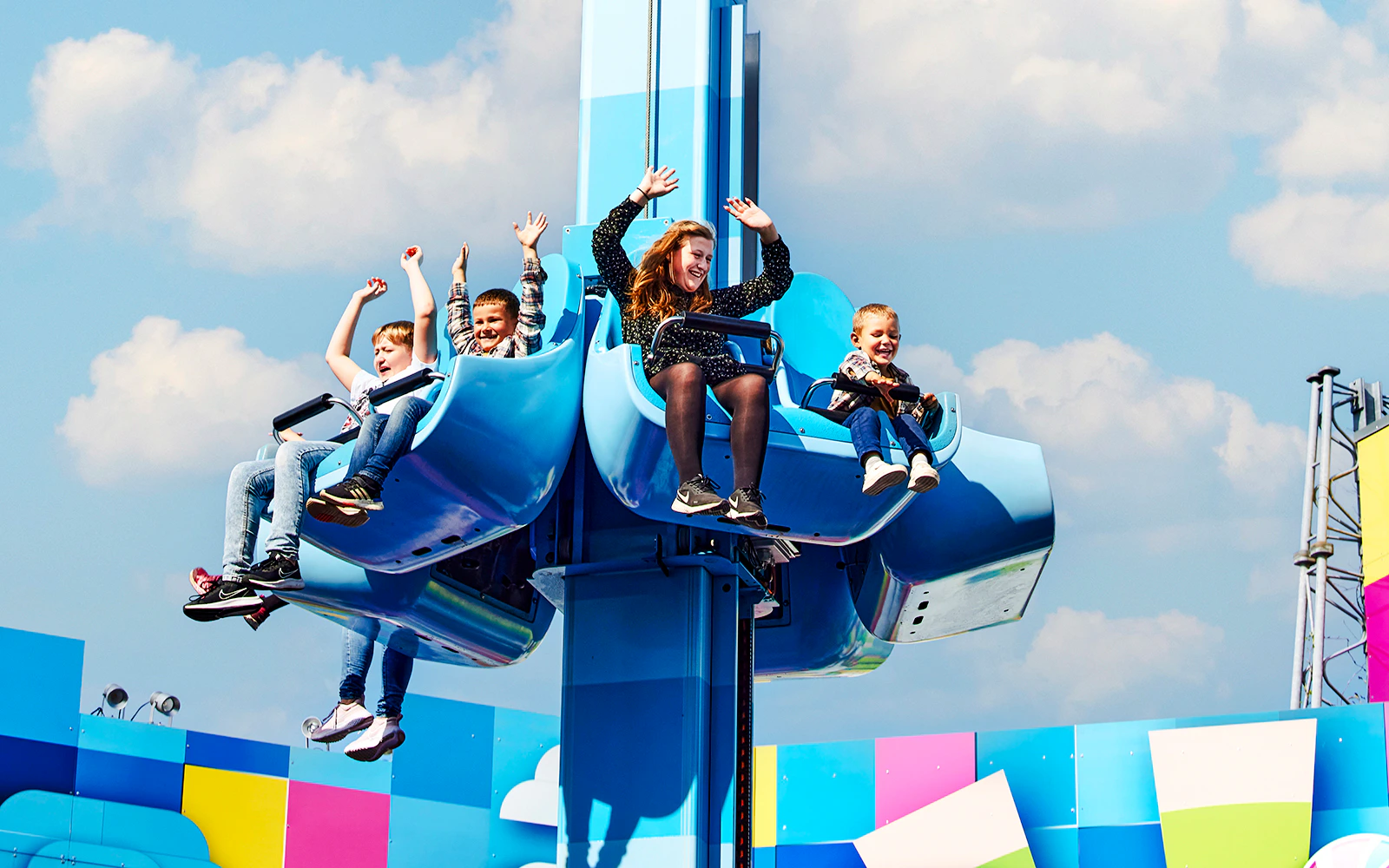
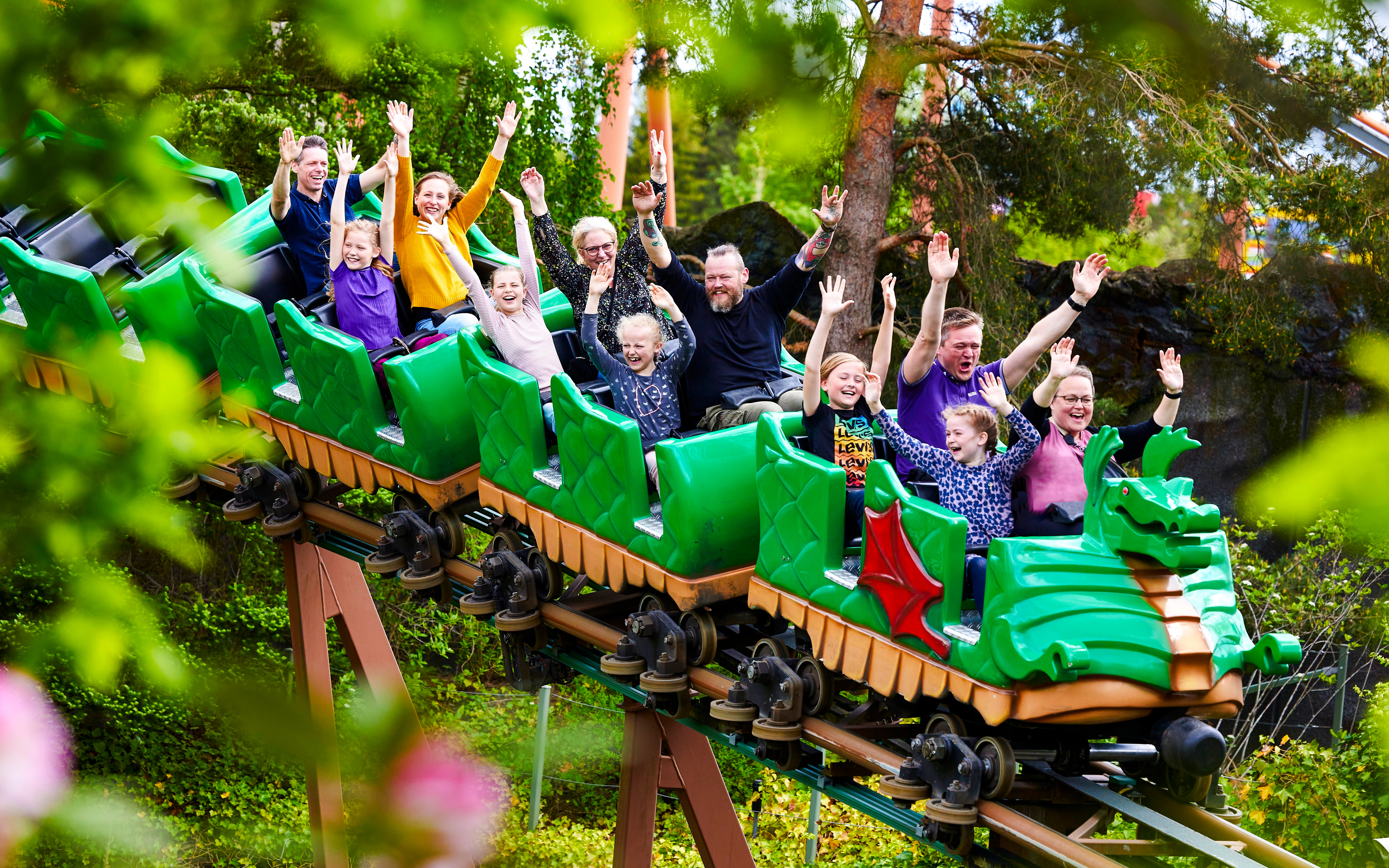
For action photography, focus on rides where the movement is easy to capture from outside the attraction. LEGOLAND also offers a Photo Pass with professional park photos from selected experiences.
- Best for: Candid family shots and thrill moments
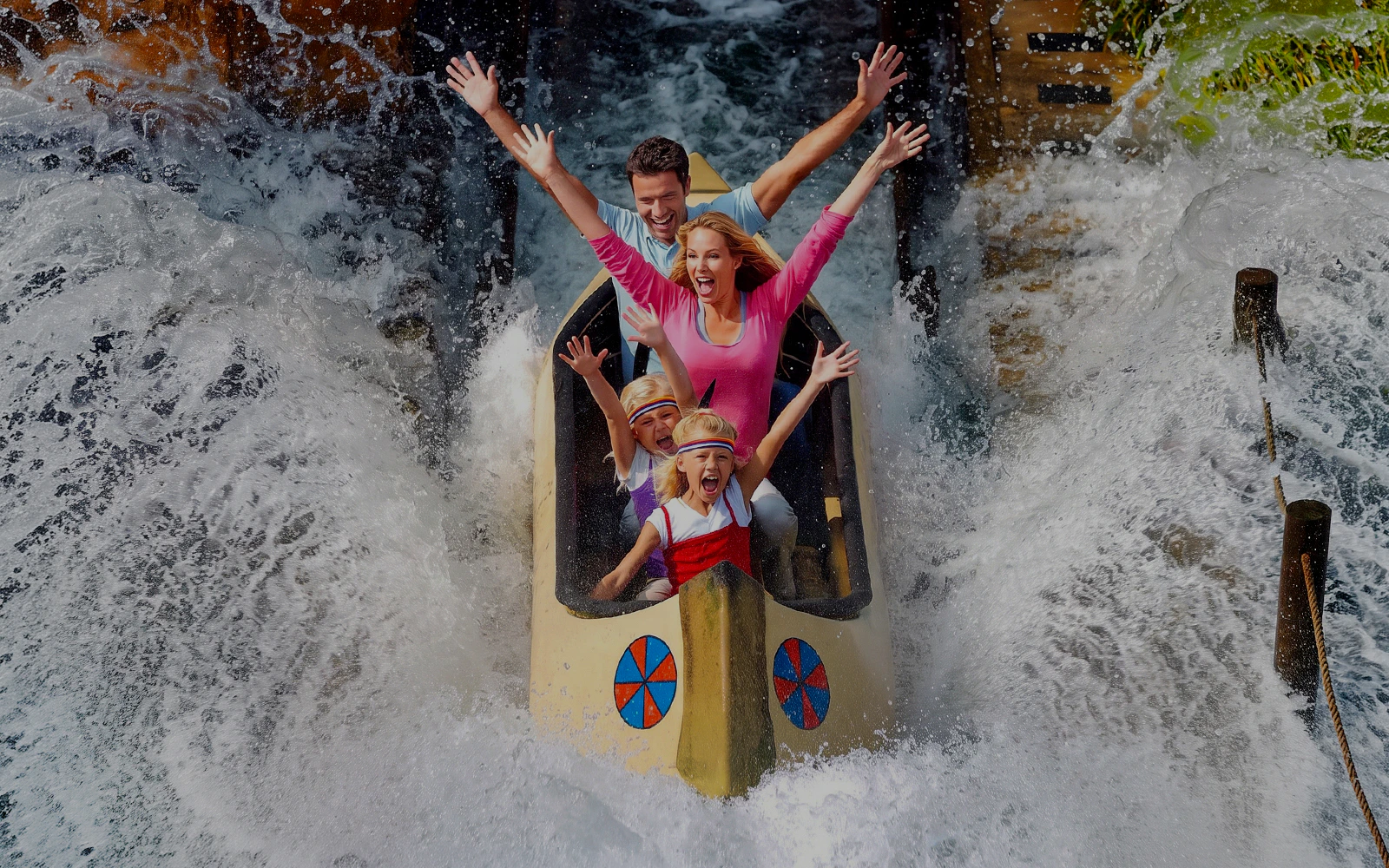
- Photo ideas: A coaster cresting a hill, families reacting on rides, colorful ride vehicles, water splashes and interactive attractions
- Explore: LEGOLAND Billund rides
Character moments
Character encounters offer some of the easiest opportunities for a posed family photo. NINJAGO characters are available for Meet N' Greets, while seasonal events can introduce additional characters and photo moments.
- Best for: Kids' photos and memorable encounters
- Photo ideas: Kids meeting their favorite characters, high-fives and playful poses, seasonal characters, character-themed surroundings
Seasonal LEGOLAND
LEGOLAND changes its visual atmosphere for seasonal events. During Christmas 2026, for example, the park features Christmas lights, 400 Christmas trees, a 10-metre LEGO DUPLO Christmas tree, stalls and festive decorations.
- Best for: Colorful, event-specific photos
- Photo ideas: Christmas lights, seasonal LEGO decorations, Halloween theming, special character appearances, eEvening event atmosphere
- Explore: Halloween in LEGOLAND Billund
LEGOLAND through the seasons
One park, different looks throughout the year. Seasonal events transform the park with different decorations, characters, entertainment and photo opportunities. Use this gallery to show how LEGOLAND changes from one season to another.
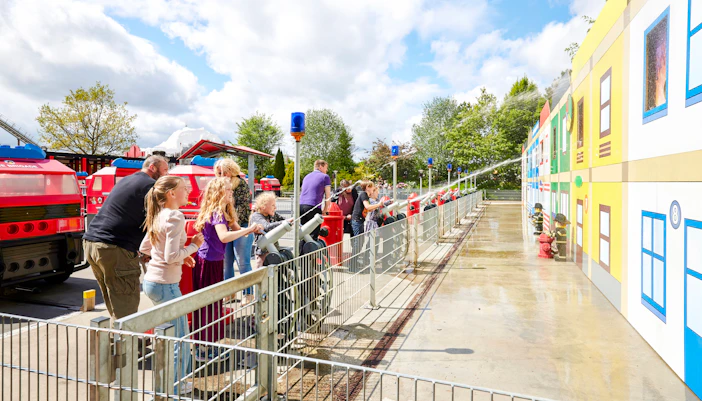
Summer at LEGOLAND
- Best for: Bright outdoor photos & family moments
- What to look out for: Colorful themed areas, outdoor rides, water attractions and families enjoying the park in the sunshine.
- Photo mood: Bright, playful and full of color.
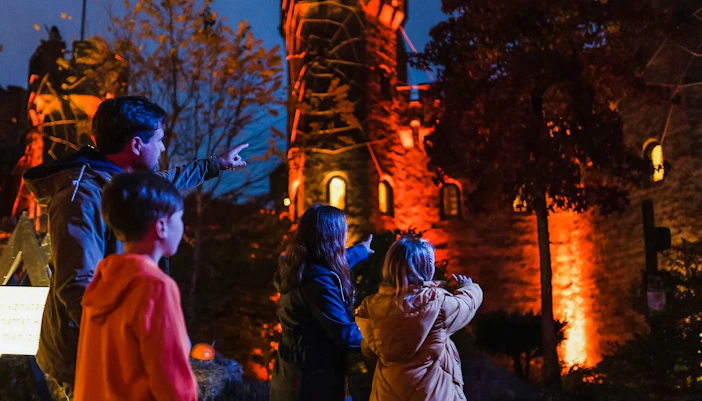
Halloween at LEGOLAND
- Best for: Spooky family photos
- What to look out for: Pumpkins, Halloween decorations, costumed characters and seasonal entertainment across the park.
- Photo mood: Playfully spooky, colorful and character-filled.
- Read: Halloween at LEGOLAND Billund
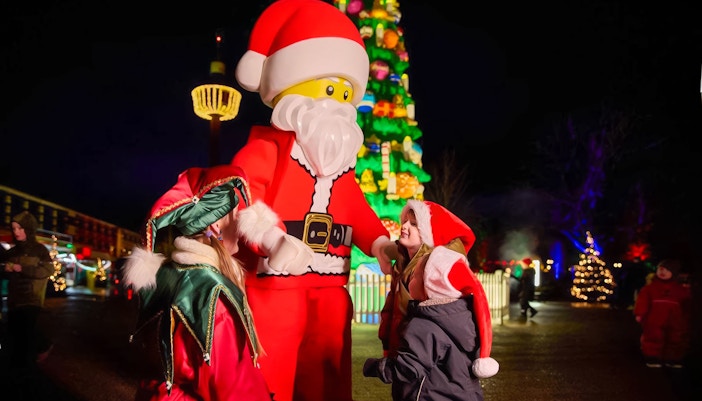
Christmas at LEGOLAND
- Best for: Festive family photos
- What to look out for: Christmas lights, decorated LEGO creations, Christmas trees, Santa and seasonal activities.
- Photo mood: Warm, festive and magical.
Everything you need to know about the LEGOLAND Photo Pass
- Professional park photos: Get access to a full day's worth of professional photos to download and keep.
- 4 flexible photo vouchers: Use your vouchers on your choice of eligible photo products.
- Photo souvenirs: Choose from classic 6x8 photo folders, keychains and magnets.
- Ride photos: LEGOLAND also offers Imagic, which lets you access digital photos from selected rides using the unique photo code provided after your ride.
- Physical keepsakes: Photo vouchers can be used for selected physical products, while Imagic provides a digital option for ride photos.
- Photo Pass as a VIP benefit: A Digital PhotoPass is included with LEGOLAND's Gold, Diamond and Home of LEGO VIP experiences.
- Separate from park admission: The Photo Pass is an optional extra; your regular LEGOLAND admission ticket is purchased separately.
- A souvenir for kids: The Traffic School also offers children aged 6–13 a personalized LEGOLAND driver's licence with their photo in a lanyard.
Keep your favorite LEGOLAND moments as digital photos or physical souvenirs.
Photography tips for LEGOLAND Billund
Keep your camera accessible, but don't let photography get in the way of the experience as some of the best LEGOLAND photos happen when you're simply ready to capture the moment. Make the most of your camera, phone and the park's most colorful photo spots.
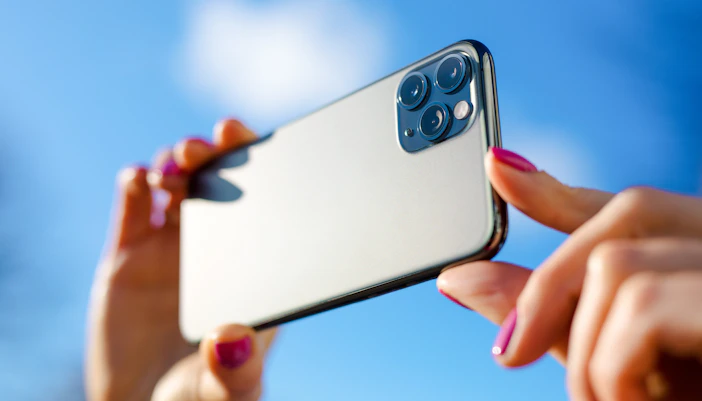
Keep your device ready
- Carry a power bank: A full day of photos, videos and the LEGOLAND app can drain your battery quickly.
- Free up storage: Clear enough space before your visit for photos and videos, especially if you're shooting in high resolution.
- Use a protective case: A secure grip or waterproof case is useful around water attractions.
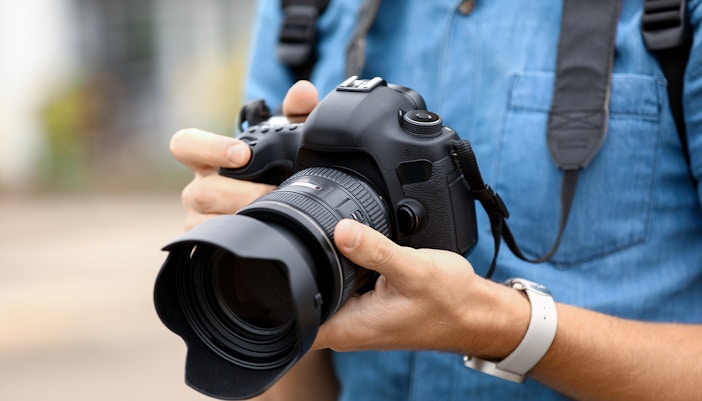
Match your settings to the scene
- Miniland: Use 2x or 3x zoom for tiny LEGO details and miniature characters without getting too close.
- Big LEGO builds: Switch to a wide-angle lens to fit larger sculptures and structures into the frame.
- Rides in motion: Use burst mode or a fast shutter speed to capture moving trains, cars and reactions.
- Evening photos: Use Night mode for illuminated rides and seasonal displays, and keep your phone steady.
Photographing water rides
- Protect your phone: Keep it in a waterproof pouch when you're on or near attractions where you may get splashed.
- Capture the splash: For photos from outside the ride, use burst mode as the boat or vehicle approaches the splash point.
- Don't risk your device: Avoid holding a phone or camera out during the ride unless the attraction specifically permits it.
- Shoot from the side: A viewpoint beside the attraction can capture both the ride vehicle and the water spray.
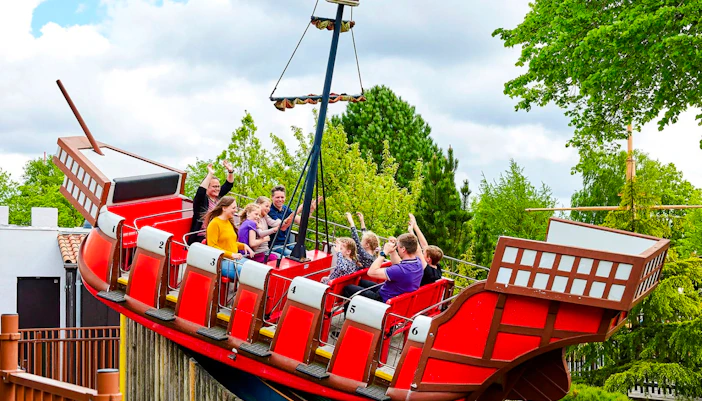
Get better family photos
- Go down to their level: Photograph children from their eye line rather than always shooting from above.
- Use the LEGO scenery: Place children beside giant figures, colourful buildings and themed props for scale.
- Leave room around the subject: Wider compositions work especially well when the surrounding LEGO environment is part of the story.
- Capture the reaction: Candid moments on rides and while meeting characters often make more memorable photos than posed shots.
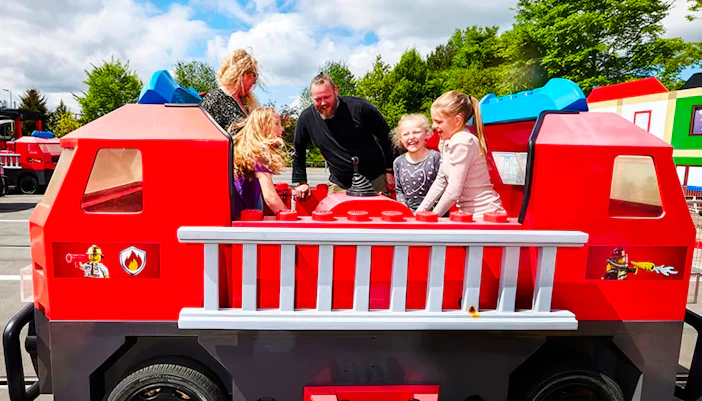
Look for the details
- Don't just photograph the big rides: Miniland's tiny scenes, LEGO figures, signs and themed details make great close-ups.
- Use people for scale: A person beside a giant LEGO creation immediately shows its size.
- Try different perspectives: Shoot from low angles for larger-than-life LEGO builds and from above where you can capture miniature scenes.

A simple kit to pack
- Phone or camera: Choose the device you’re most comfortable using throughout a full day in the park.
- Power bank: Keep your battery topped up through a day of photos, videos and app use.
- Charging cable: Carry the cable that works with your device for easy recharging.
- Waterproof pouch: Protect your phone around water attractions and splash zones.
- Wrist strap or grip: Add extra security when photographing near rides or busy areas.
- Extra storage: Free up space or carry additional storage for high-resolution photos and videos.
FAQs about LEGOLAND Billund photos
Yes. Photos can be taken throughout the park, including its themed areas, attractions and LEGO displays, subject to attraction-specific rules. Read LEGOLAND Billund visitor's guide.
Miniland, the themed lands, major LEGO attractions and character encounters offer some of the park's most distinctive LEGOLAND photo opportunities.
Yes. LEGOLAND Miniland is designed to be explored up close, with miniature cities, landmarks and buildings made from more than 20 million LEGO bricks.
Yes. LEGOLAND Billund has Meet N' Greets, including NINJAGO characters such as Kai and Master Wu. Showtimes are available in the app.
Photography rules can vary by attraction. Follow the instructions and safety requirements provided for each ride.
Capture children interacting with rides, play areas, LEGO builds, Miniland and characters rather than only photographing the attractions themselves.
Yes. Seasonal events can change the park's decorations, characters and entertainment, creating different photo opportunities throughout the year. Read about Halloween at LEGOLAND Billund.
Absolutely. LEGOLAND Billund Miniland's miniature cities, famous buildings and tiny details are among the park's most distinctive visual features.